Nail technicians · Jamaica
How to Take Nail Appointments Online in Jamaica
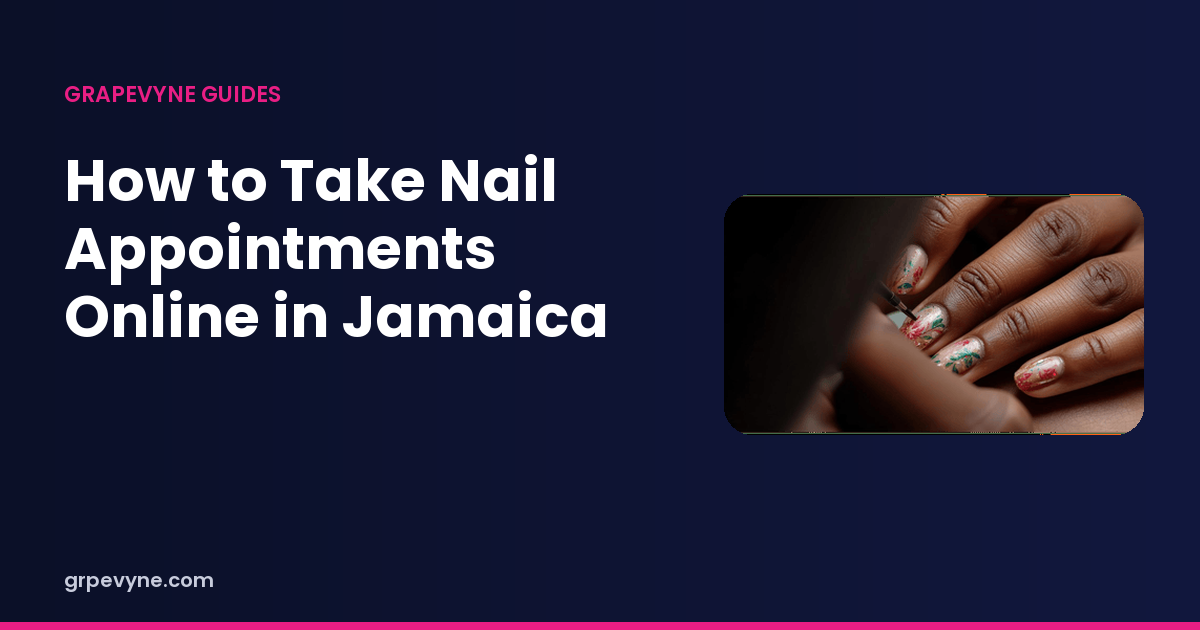
Taking nail appointments in Jamaica usually starts in WhatsApp, and for a while that is enough. A handful of regulars, a few “you free Thursday?” messages, and you can hold the week in your head. Then the week gets bigger. You are halfway through a fill, three chats are waiting, one of them is a voice note, and you reply “yes” in the wrong thread. Now two people think 4pm belongs to them.
Online booking is not a personality change. It is a page where the service, the length, and the open time are already written down, so the chat can be about the nails instead of about the schedule.
Why the DMs get heavy
A message thread is good at a conversation. It is bad at being the only record of your day. The problems show up in a familiar order.
- The price question, the reference photo, the “are you free,” and the confirmation all live in the same scroll. You have to hunt for the time you agreed.
- WhatsApp on a busy Saturday does not show you conflicts. It shows you the last person who typed.
- A client who messages at 11pm gets silence until you are done with the morning set. They do not know whether you are booked or just away from the phone.
- When you change your number, or your phone dies, a piece of the book can go with it.
None of this means you should stop talking to clients. It means the appointment itself needs a home that is not a chat bubble. People who are trying to get more nail clients feel this first, because every new person starts the same five-message dance.
What a booking page needs
A useful page answers the questions that currently eat your evening. A flyer with your name and a phone number does not. The page should let someone who has never met you understand four things without asking.
Who you are and where you work
Your name, a photo of you or of the space if you are comfortable sharing it, and the area you serve. If you work from a salon chair, say which part of town. If you go to the client, say which communities you will travel to and how much notice you need. Kingston traffic is a real constraint. A client in Portmore and a client in Stony Hill are not the same appointment, even when the set is identical.
The services, in client language
List what you do, not every technique you once tried in class. A tight menu is easier to book than a list of forty items.
- Name the service the way people ask for it: gel manicure, acrylic full set, fill, soak-off, pedicure, nail art, overlay.
- Say how long it takes. That single number protects the rest of the day.
- Say what is included if people always ask. A plain fill is not the same appointment as a fill plus art on ten nails.
- Publish the price when you can. If the price depends on length or art, say what changes it, so the booking is not a surprise at the chair.
On Grapevyne you add those services to your profile, and they show on the booking link you share. Paid plans can also group work into packages. The free profile is enough to list the services and take the booking. Details are on pricing.
Set the hours you can actually keep
Availability is a promise. If you mark every evening open and then spend half of them at church, at classes, or picking up a child, the page will create the same mess as the DMs, only faster.
Start with the hours you would defend. Block the school run. Block the day you go to MoBay. Block a buffer between clients when you need to clean up, eat, or move through traffic. If you stop taking bookings at 6pm because you will not start a three-hour set that late, the page should say 6pm, not 9pm.
Leave room for the bookings that do not start online. A walk-in, a cousin, a bridal party that was arranged in person: put them on the same calendar. Otherwise the online page will hand out a time you already gave away. Grapevyne’s calendar lets you block time off and add walk-ins or other outside bookings so the open slots stay honest.
Make the client’s steps short
The person booking you is often on a phone, on mobile data, between other things. They should not have to download an app, create an account, and write you an essay before they can see a time.
A clean order is: open your link, choose the service, choose a time you have marked free, and confirm. On Grapevyne the public link opens your profile in the browser. They can look at services and times first, and they sign in when they are ready to finish the booking, not before they know whether you have anything open.
Share that link in the places you already talk to clients.
- Instagram bio, and the story when you post a set.
- WhatsApp status, and as your reply when someone asks “you free?”
- The note you send a new client who was referred by a regular.
You can still talk. The link just means the talking starts from a real slot instead of from a blank day.
After they book
A booking that only exists as a screenshot will get lost. You want one record: who, what service, what time, and where.
Once the appointment is on the Grapevyne calendar, two things follow. You and the client can both see it. Grapevyne also sends booking reminders by email and push, to you and to the client, about a day before and again about an hour before the start. Those reminders help people who forgot. They do not drag anyone into the chair. If no-shows are the wound you are trying to close, read how to reduce no-shows next. The short version is that a reminder works best when the time was clear in the first place.
You can message the client in the app about the reference photo, the shape, or the fact that you are running behind because the previous set needed a repair. Keep that conversation next to the booking so you are not searching three apps for one pair of hands.
The day still includes real life
Online booking does not delete WhatsApp, and it should not. Some of your best clients will always write “the usual?” and expect you to know what that means. Put the usual on the calendar anyway. When they message, you reply with the time you saved for them, or you send the link if that week is already full.
If two channels are adding names to the same afternoon, pick the calendar as the one that wins. The chat can propose a time. The calendar is what confirms it. Managing the appointments gets much quieter once that rule is real.
Start with one week. Put your services up, mark the hours you mean, share the link in your bio, and move every booking you accept into that calendar, including the ones that arrived as a voice note. At the end of the week you will know whether the page is saving you messages or whether your menu is still confusing. Fix the menu before you try to be everywhere.